
WSQ Design Fundamentals with Adobe Photoshop for Business and Branding
Course Description
The WSQ Design Fundamentals with Adobe Photoshop for Business and Branding course introduces learners to the essentials of visual communication and digital design through a fully hands‑on, beginner‑friendly approach. No prior experience is required, as learners are guided step by step through Photoshop fundamentals such as layers, masks, retouching, and layout construction. Building a strong foundation in design literacy, learners explore essential principles including balance, contrast, hierarchy, alignment, proximity, and brand coherence.
Through a structured, practice‑first methodology, learners gain confidence in navigating the Photoshop workspace, utilising tools, handling assets, and applying key imaging concepts such as resolution, file formats, and image sizing. The course also incorporates contemporary AI‑supported tools—such as Generative Fill, AI‑assisted clean‑ups, object removal, and rapid variation generation—to enhance ideation, refinement, and comparison tasks while ensuring ethical and human‑centred use of AI.
Throughout the programme, learners examine contextual design factors including target audience, brand identity, messaging goals, and production constraints. These considerations guide the creation of campaign‑oriented visuals and social‑media‑ready layouts. Creative ideation activities, structured experimentation, comparative analysis, and iterative refinement cycles enable learners to transform concepts into feasible and brand‑aligned designs.
By the end of the course, learners will be able to conceptualise, construct, and refine purposeful digital visuals using both traditional Photoshop workflows and AI‑enhanced techniques to produce commercially viable outcomes.
Course Objectives
By the end of this course, learners should be able to:
- Utilise fundamental design principles to create basic design layouts.
- Use Photoshop to illustrate the characteristics of different design concepts for effective design solutions.
- Apply knowledge of contextual factors to develop relevant design solutions.
- Demonstrate comparative design analysis by visually representing and comparing design concepts using Photoshop.
- Implement creative ideation techniques to generate effective design ideas and solutions.
- Construct Photoshop-based campaign designs that adhere to branding, marketing objectives, target market profiles, and fundamental design principles.
- Implement appropriate methodologies to transform conceptual ideas into feasible designs.
- Use testing and analysis methods within Photoshop to suggest improvements to design concepts.
Prerequisites
- 1 GCE ‘O’ level or equivalent (≥ 21 years old); or
- NITEC/Higher NITEC (≥ 21 years old); or
- Mature candidates (≥ 30 years old with 8 years of work experience); or
- Candidates with other qualifications will be considered on a case-by-case basis
Course Outline
Introduction to Photoshop and Design Fundamentals
- Essential Design Principles
- Overview of Photoshop Interface
- Photoshop Essential Imaging Concepts
- AI-Supported Fundamentals
Design Solutions and Comparative Photoshop
- Contextual Factors in Design
- Comparative Design Analysis Using Photoshop
- AI-Assisted Comparison and Enhancement
Creative Ideas and Design Development Photoshop
- Creative Ideation Techniques
- Applying Campaign Design Concepts in Photoshop
- AI-Enhanced Ideation and Concept Development
- Developing Final Social Media Visuals
Concepts Commercial Feasibility and Design Refinement Evaluation
- Translating Ideas Into Feasible Concepts
- Testing, Analysing, and Refining
- AI-Assisted Refinement
- Final Iteration and Presentation
Fees and Subsidies
*Eligible for Singaporean Citizens, Permanent Residents, and Long-Term Visit Pass Plus Holders
Course Fee:
S$700 (exclusive of 9% GST)
Course Fee After Eligible SSG Subsidies:
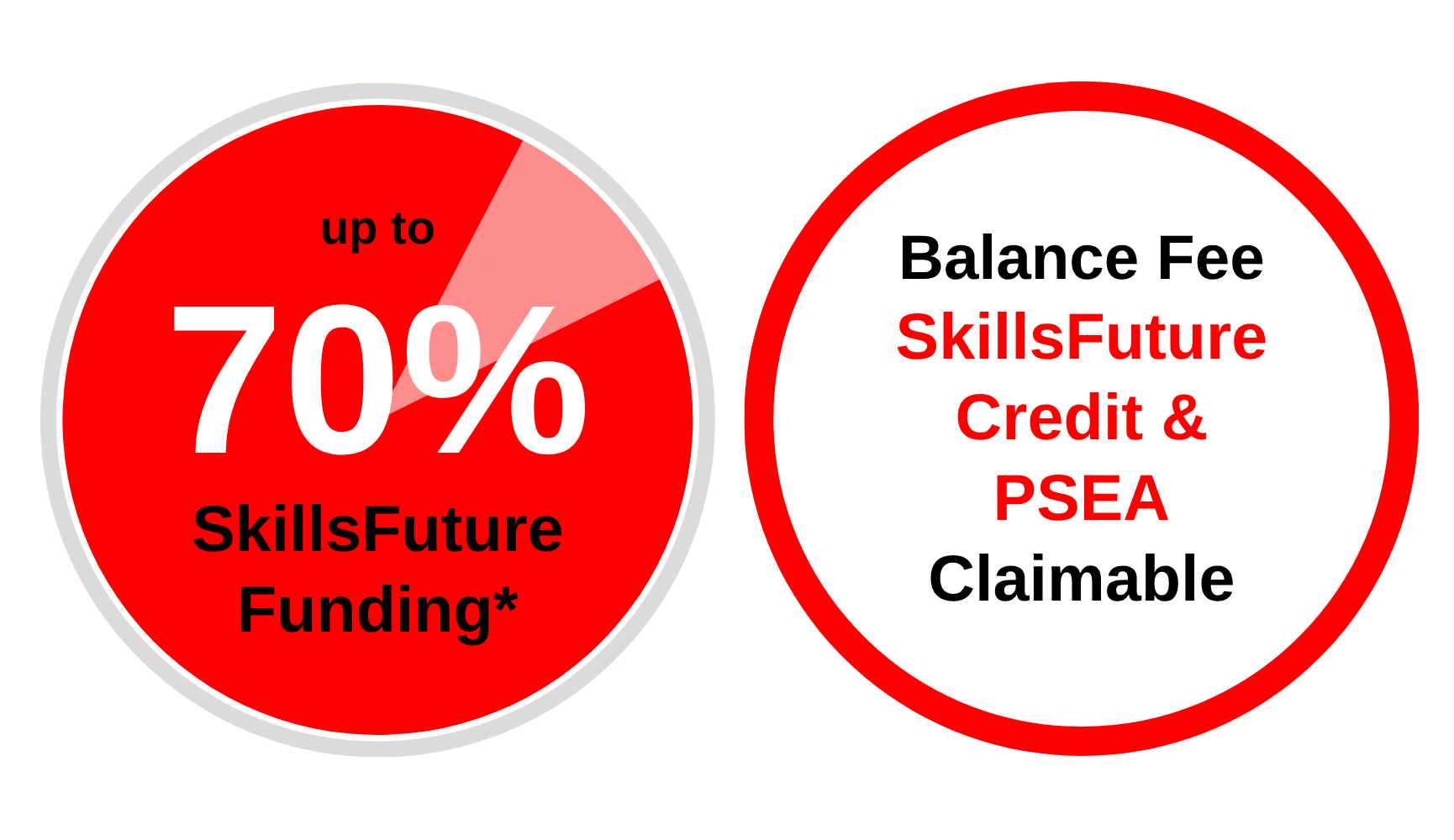
From S$273 (inclusive of 9% GST) after 70% SSG Subsidies
| Learners | |
| Singaporean Citizens ≥ 40 years old | S$273 (after SSG 70% Funding) SkillsFuture Credits can be used on top of existing subsidies |
| Singaporean Citizens, PRs or LTVP+ Holders ≥ 21 years old | S$413 (after SSG 50% Funding) For Singapore Citizens learners aged ≥ 25 years old SkillsFuture Credits can be used on top of existing subsidies.For Singapore Citizens aged 17-30 Post Secondary Education Account Funds can be used. |
| Learners | SMEs | Non-SMEs |
| Singaporean Citizens ≥ 40 years old | – | S$273 (after SSG 70% Funding) SkillsFuture Enterprise Credits (SFEC) can be used on top of existing subsidies |
| Singaporean Citizens, PRs or LTVP+ Holders ≥ 21 years old | S$273 (after SSG 70% Funding) SkillsFuture Enterprise Credits (SFEC) can be used on top of existing subsidies |
S$413 (after SSG 50% Funding) SkillsFuture Enterprise Credits (SFEC) can be used on top of existing subsidies |
All prices are inclusive of 9% GST.
NOTE: Trainees are entitled to the SSG training grant when they meet 75% of the training attendance and pass the requisite assessment. If trainees fail the assessment, they are required to re-take it immediately without additional fee. For more details see Course Funding Information.
Important Reminder: Your PSEA claim needs to be submitted at least 1 month before the course’s commencement date. Should you miss this deadline, an alternative payment method must be used to secure your spot in the course. After the disbursement of your PSEA funds to us, we will reach out to initiate the refund process.
WSQ Design Fundamentals with Adobe Photoshop for Business and Branding
Course Duration:
2 Days (8.30am – 6.30pm)
Course Fee Details:
S$273 (inclusive of 9% GST) after 70% SSG Subsidies
SkillsFuture Credits & PSEA claimable
Course Code: TGS-2026061769
Course Schedule
| Course Name | Duration | Month | Date | Venue | Remarks |
|---|---|---|---|---|---|
| WSQ Design Fundamentals with Adobe Photoshop for Business and Branding TGS-2026061769 | 2 Days (8.30am - 6.30pm) | April 2026 | 13-14 | International Plaza | Weekdays |
| May 2026 | 18-19 | JTC Summit | Weekdays | ||
| June 2026 | 11-12 | International Plaza | Weekdays | ||
| July 2026 | 09-10 | JTC Summit | Weekdays | ||
| August 2026 | 11-12 | International Plaza | Weekdays | ||
| September 2026 | 07-08 | JTC Summit | Weekdays |
Up to 70%
SkillsFuture Subsidy